v4.0.0(81) Public Beta
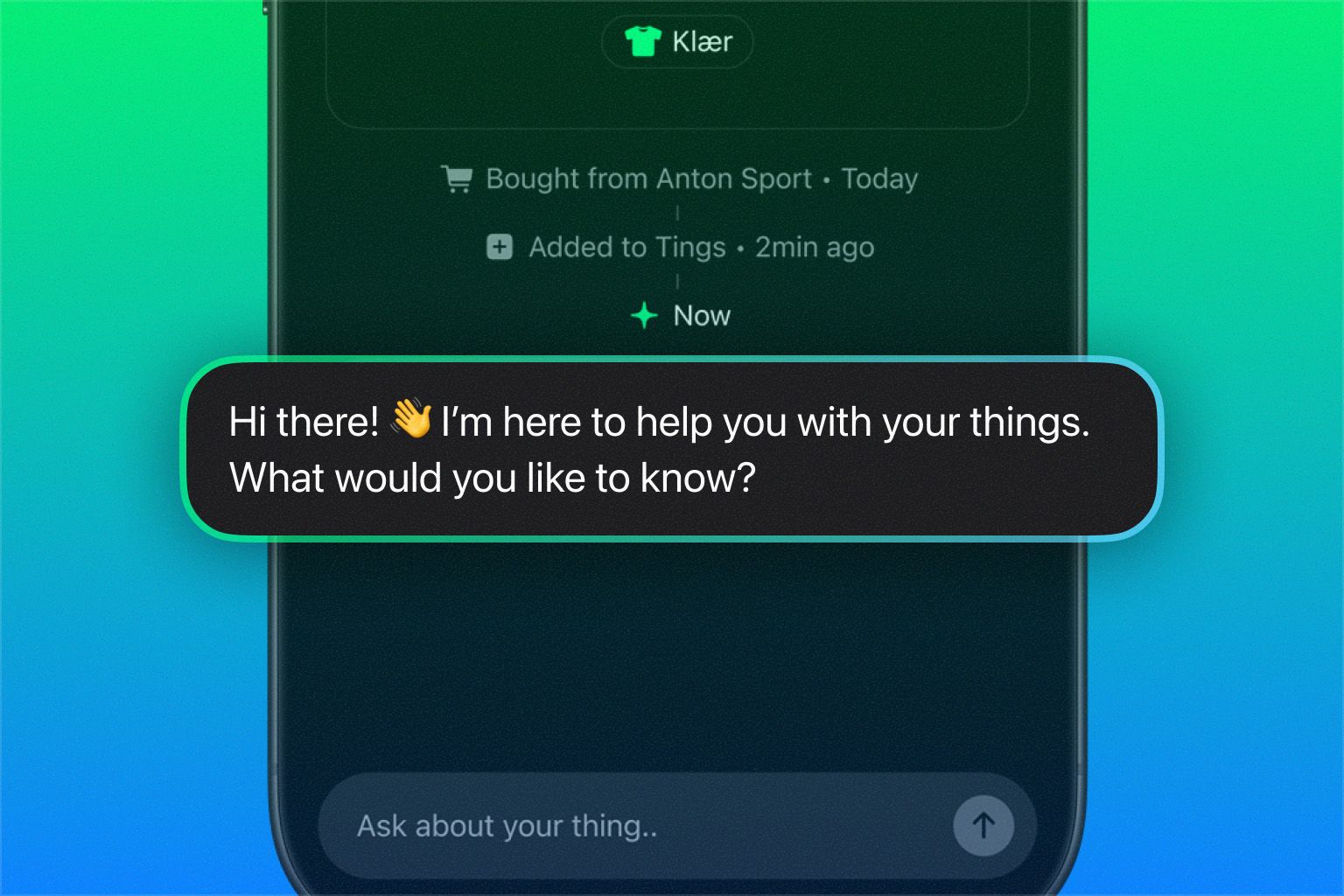
This version is packed with big and small improvements, plus a handful of brand new features. First and foremost, we’re finally ready to let you say hello (literally!) to your new personal assistant.
The Tings Assistant (hereafter simply referred to as “Tings”) is designed to help you get the most out of your things — both proactively and reactively. Tings will send you timely tips and notifications about your things, such as celebrating an anniversary, reminding you about maintenance, or checking if you still use something.
You can also ask Tings anything, from troubleshooting an issue, crafting a marketplace ad, to checking whether something fits in your car’s trunk.
Suggested Product Matches
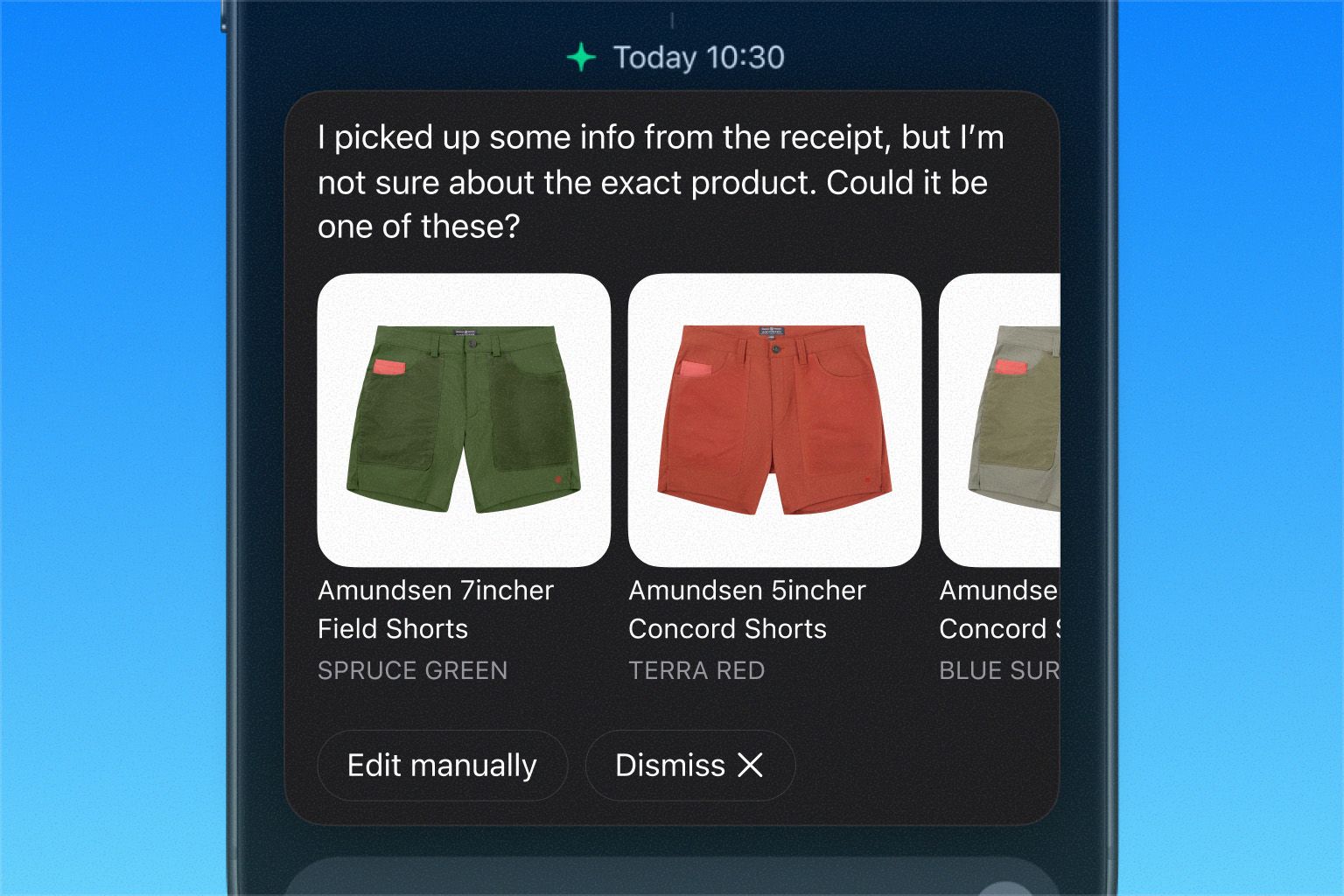
Whenever Tings is unsure about a product on a receipt, it will now suggest likely matches for you to choose from. You can also edit manually or dismiss the suggestions altogether.
Add Thing to Receipt
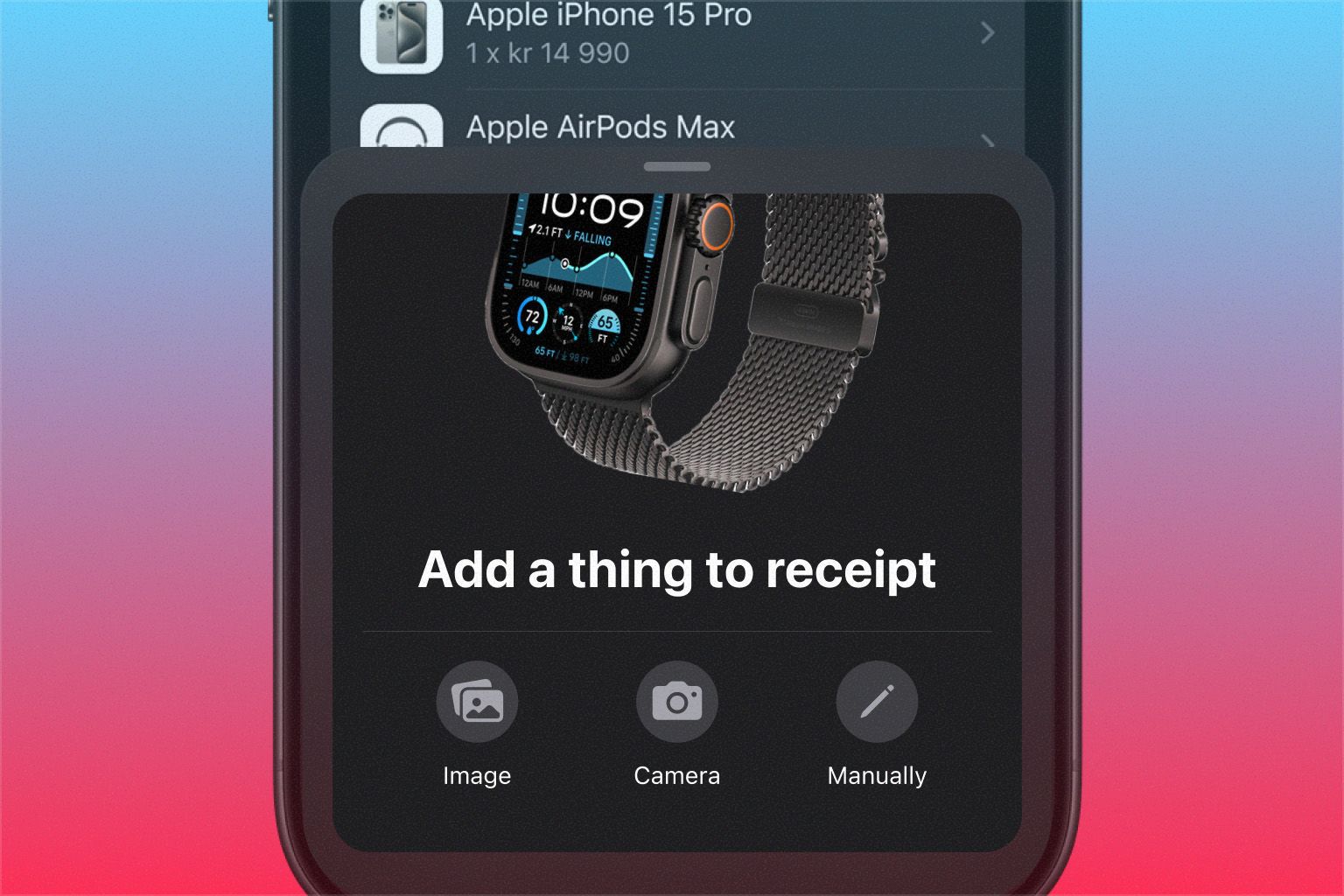
Sometimes, Tings doesn’t catch everything on a receipt. You can now add missing products yourself, either by entering the details manually or by scanning the item with your camera.
Interface Updates
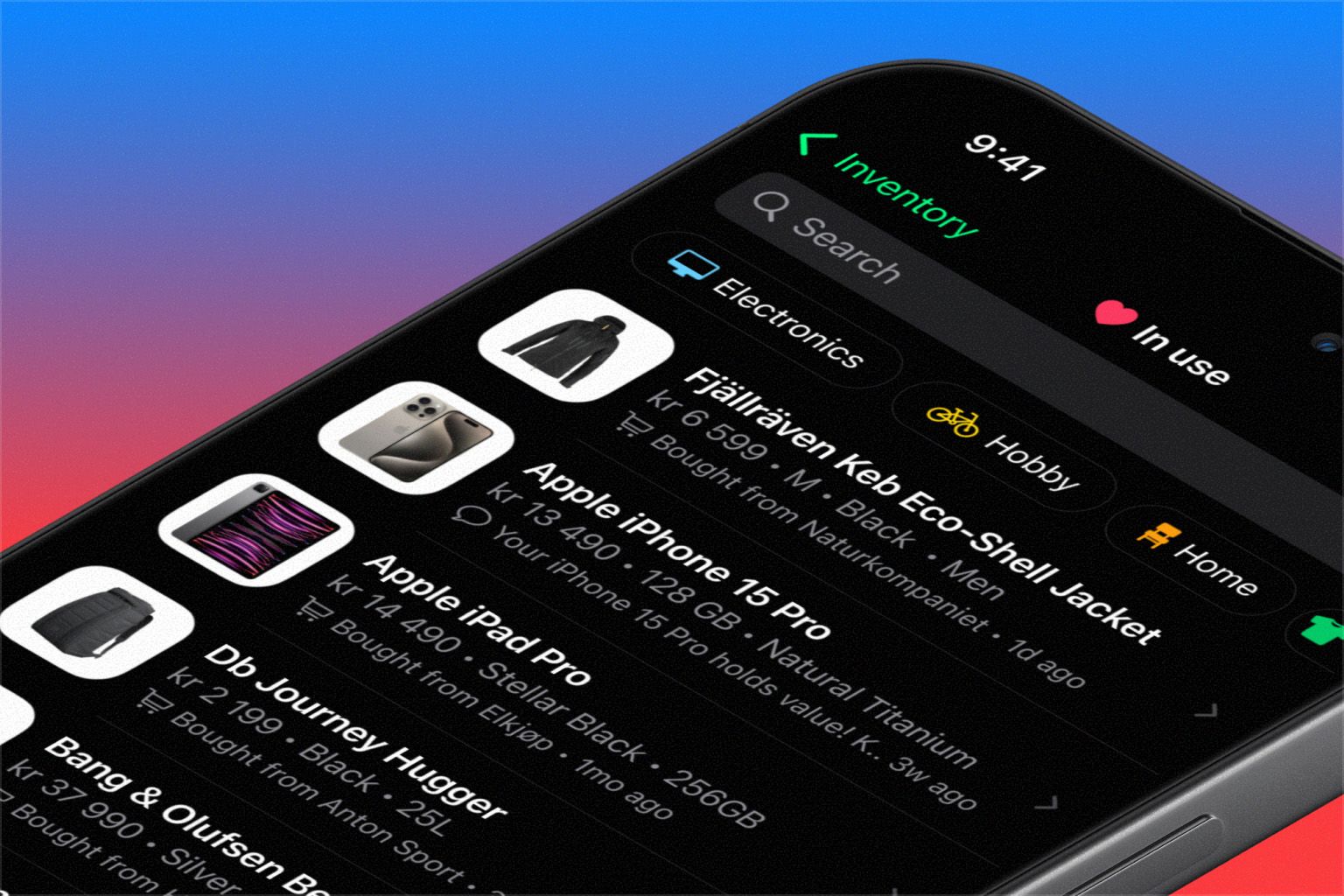
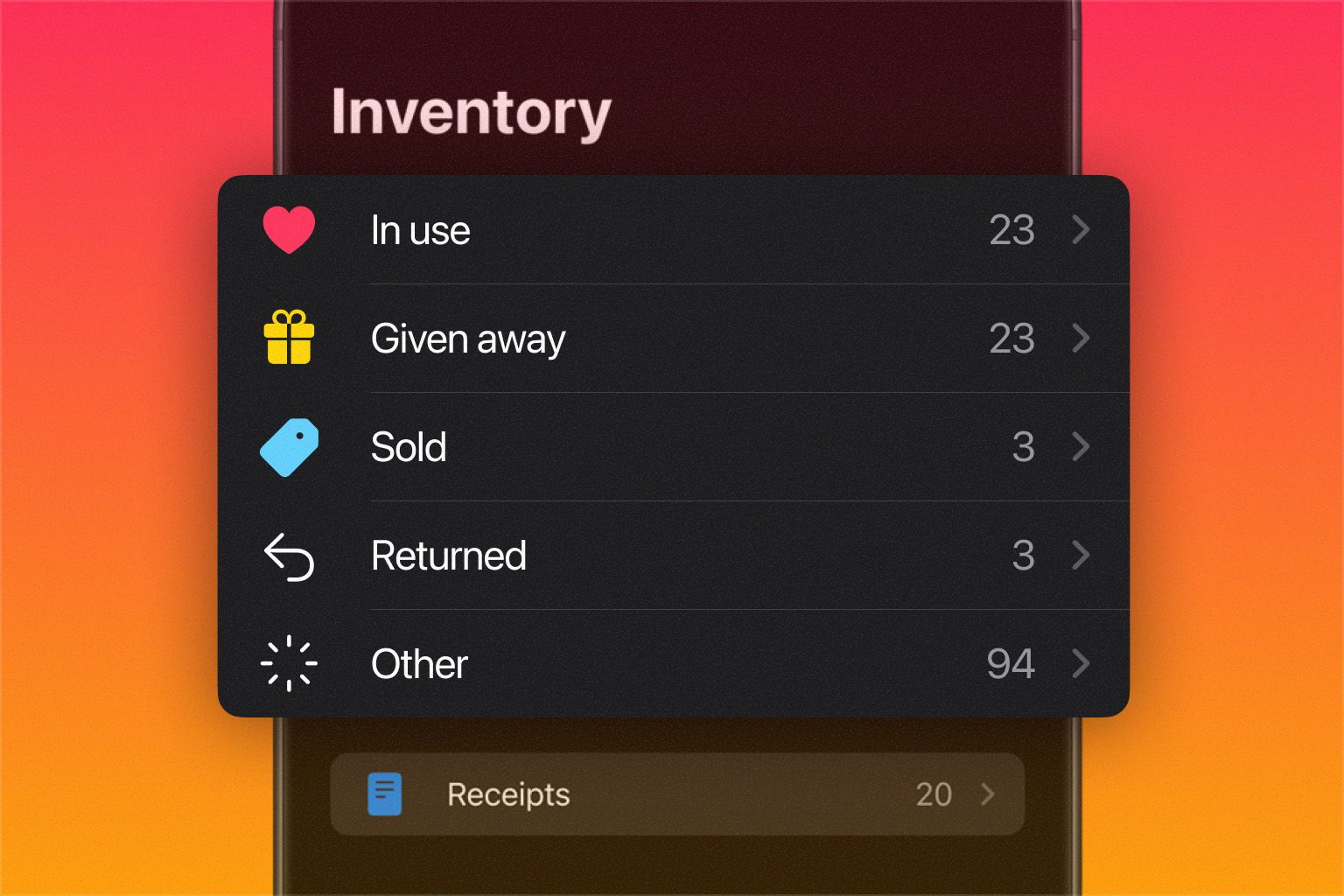
Since the first beta of Tings 4, you’ve given us tons of great feedback. Among other things, you told us you missed the “In use” status, so we’ve brought it back — and given all statuses a more playful and intuitive design to make organizing both fun and easy.
We’ve also updated swipe interactions in lists. A short swipe to the left now reveals two options: “Delete” and “Move to…”, letting you quickly move an item, for example, from “In use” to “Sold.”
A full swipe deletes the item right away, but you can easily restore it from the “Recently Deleted” section.
These are just some of the features and improvements introduced in this version. We’d love to hear what you think — give it a spin and let us know in the comments!