August 7th, 2025
New

v4.0.0
We’re thrilled to announce that Tings 4 is officially available to all users! The all-new Tings app is a complete rebuild — from the interface you tap to the systems running in the background.
With the new design, we want Tings to feel familiar, and fit naturally into daily life. By blending the best of productivity and messaging apps, we’ve created an intuitive way to navigate your inventory and interact with the Tings Assistant.
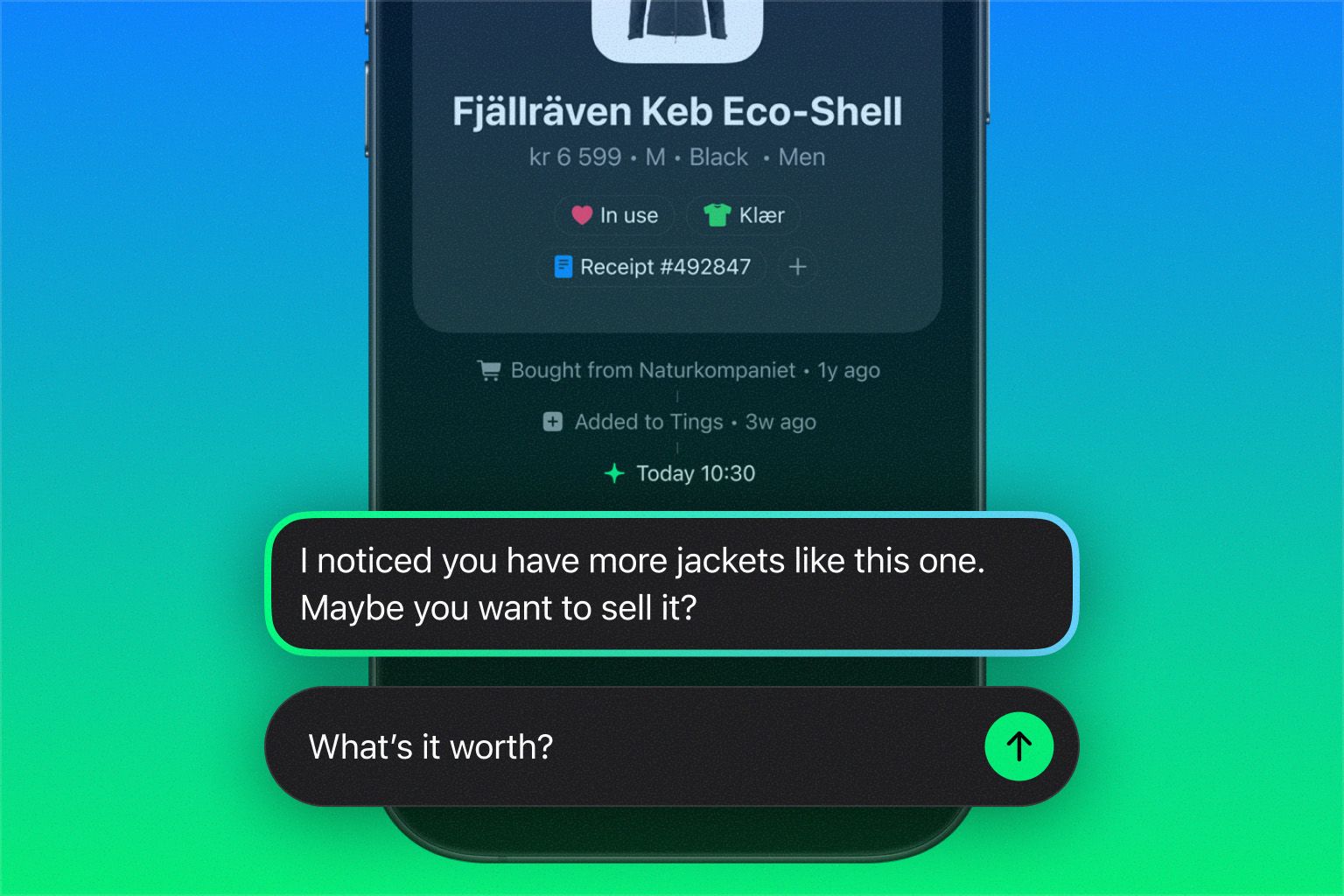
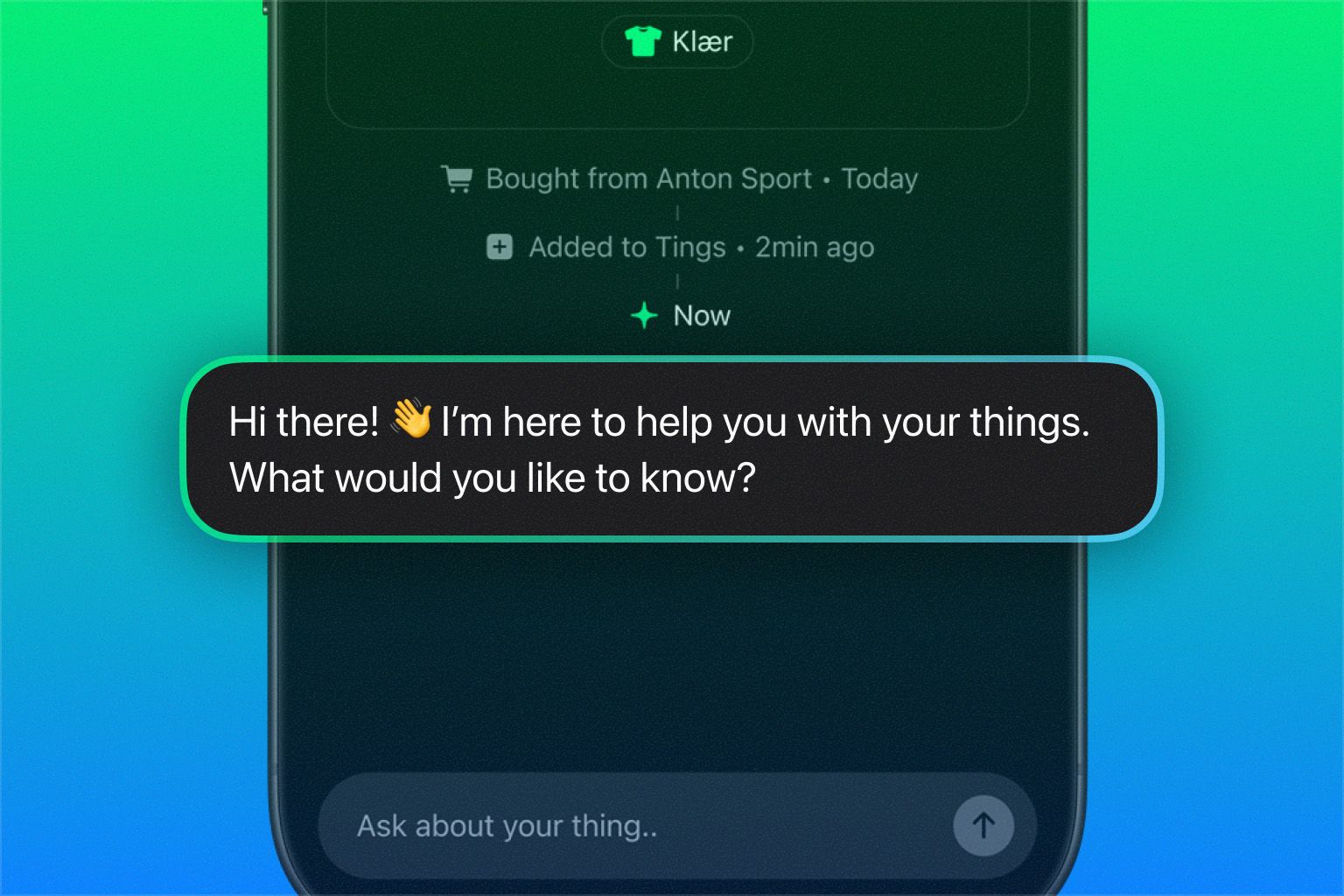
Your new personal AI assistant is here! Designed to help you manage your things both proactively and reactively, Tings will send helpful reminders, like celebrating anniversaries, prompting maintenance, or checking if you’re still using an item. You can also ask Tings anything, from troubleshooting a broken appliance to crafting a marketplace ad, or even checking if something fits in your car’s trunk.
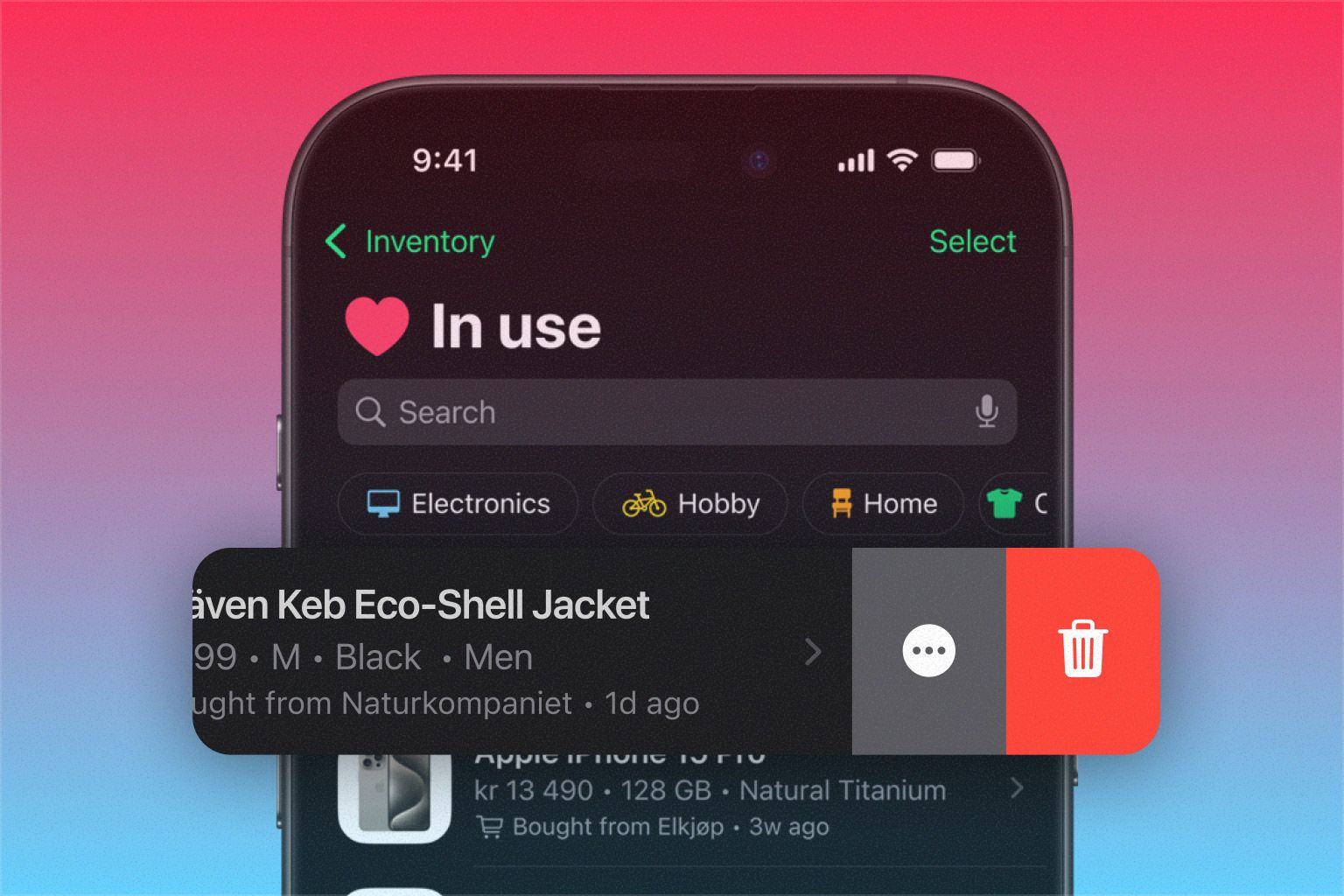
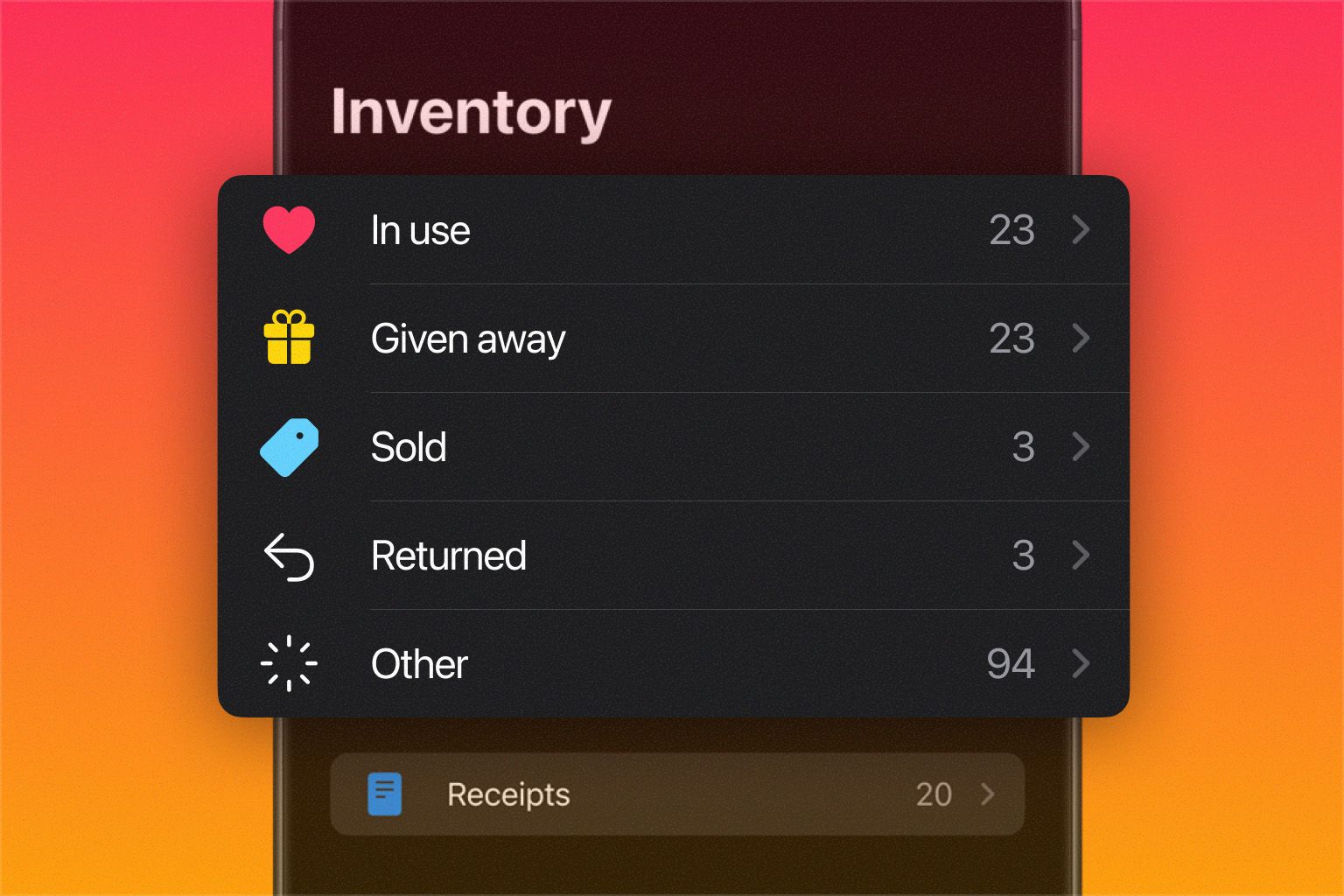
Tings 4 introduces a reimagined inventory experience that makes it easier than ever to stay organized. A few highlights:
Faster Sorting — Delete or mark as For Sale, Sold, Given Away or Returned with a simple long press or left swipe directly in your inventory list.
Customizable Tags — Seamlessly integrated with search, collections is simplified to tags, with customizable icons, colors and optional auto-tagging.
Easier Editing — More efficient and easily accessible through smart context menus, whether you’re on a thing’s dedicated screen or simply long-pressing in the list.
While Tings 4 has many new features, it’s also a simpler and more streamlined app. Many of you told us that the old app could feel a bit overwhelming. We’ve worked hard to figure out what to keep, what to cut, and what to reimagine — but we know some of you may have grown fond of features that didn’t make the cut. If so, we’d love to hear it, just drop it in the comments or community board.
Update the app today, explore the redesigned interface, and say hello to your new assistant. We can’t wait to hear what you think!
Warm regards,
Team Tings
August 7th, 2025
Improved

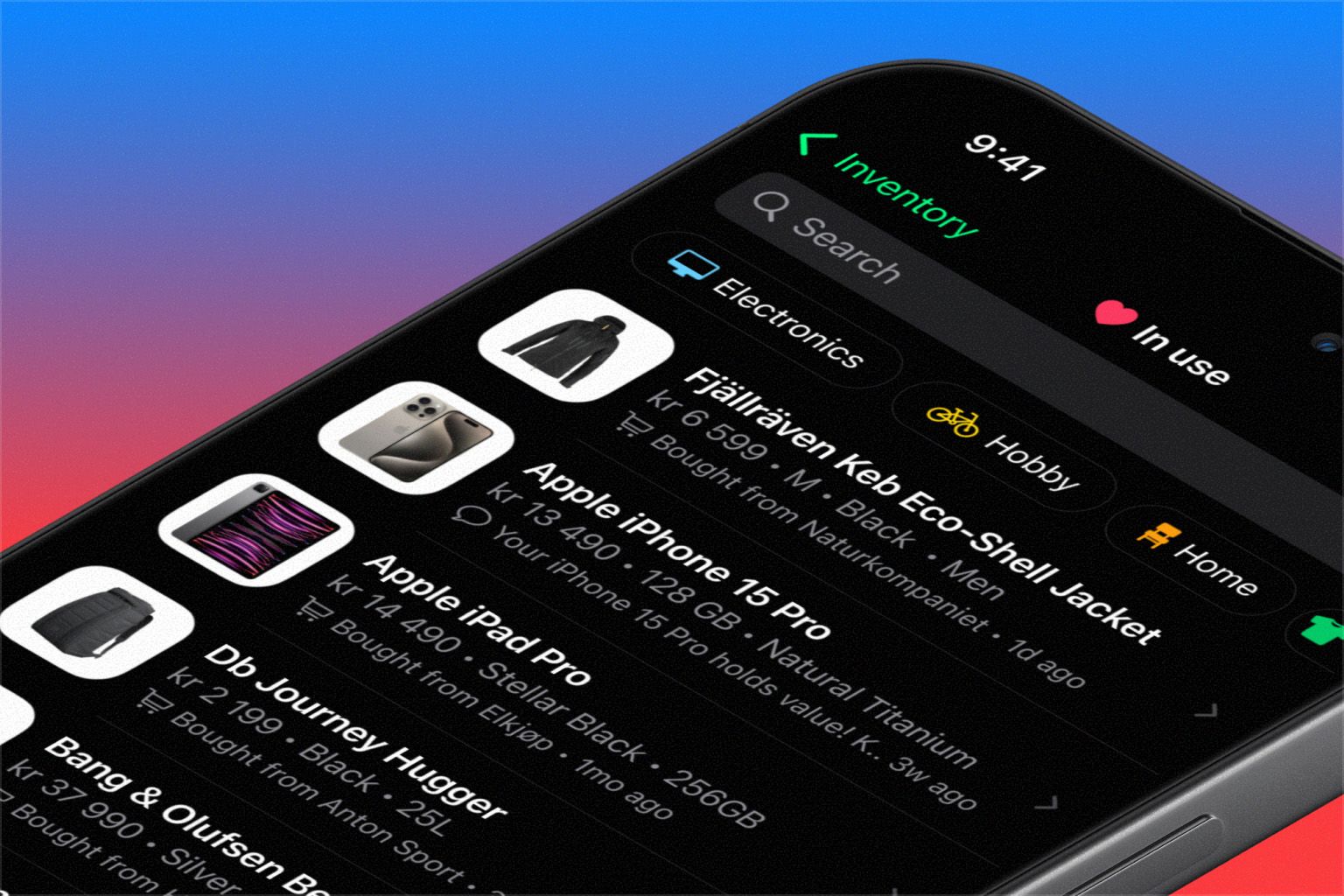
You asked for less noise and more clarity in the Inventory overview. In this release, we’ve toned down assistant messages, scaled up images, and made product metadata more consistent, so it’s easier to browse, organize, and make sense of your things.
You also told us you missed the For Sale status — so we brought it back! And lastly, we’ve added long-press on tags, so you can edit them directly from the Inventory tab.
We’re always listening, so keep the feedback coming!
July 9th, 2025
New
Improved

This version is packed with big and small improvements, plus a handful of brand new features. First and foremost, we’re finally ready to let you say hello (literally!) to your new personal assistant.
The Tings Assistant (hereafter simply referred to as “Tings”) is designed to help you get the most out of your things — both proactively and reactively. Tings will send you timely tips and notifications about your things, such as celebrating an anniversary, reminding you about maintenance, or checking if you still use something.
You can also ask Tings anything, from troubleshooting an issue, crafting a marketplace ad, to checking whether something fits in your car’s trunk.

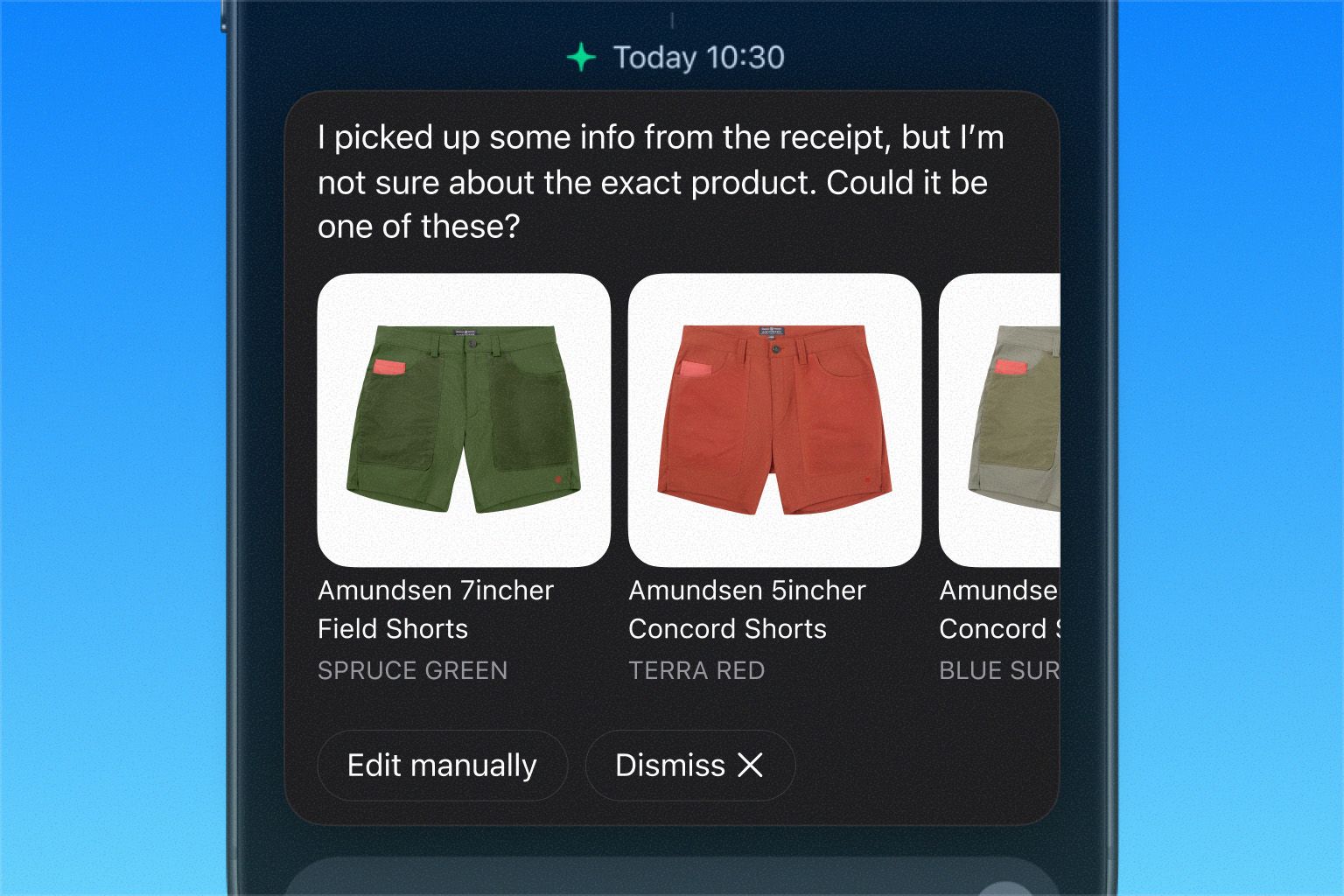
Whenever Tings is unsure about a product on a receipt, it will now suggest likely matches for you to choose from. You can also edit manually or dismiss the suggestions altogether.

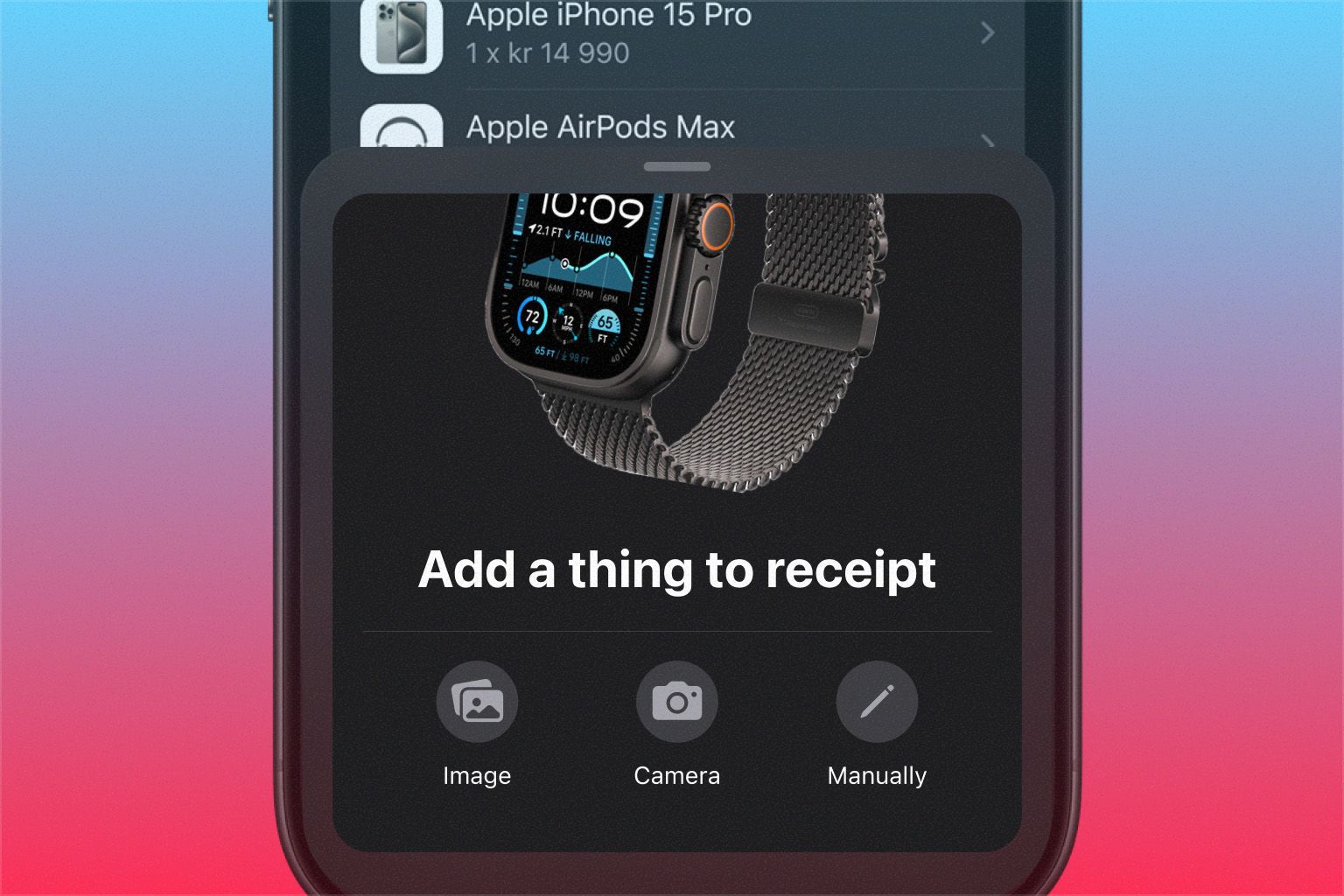
Sometimes, Tings doesn’t catch everything on a receipt. You can now add missing products yourself, either by entering the details manually or by scanning the item with your camera.

Since the first beta of Tings 4, you’ve given us tons of great feedback. Among other things, you told us you missed the “In use” status, so we’ve brought it back — and given all statuses a more playful and intuitive design to make organizing both fun and easy.
We’ve also updated swipe interactions in lists. A short swipe to the left now reveals two options: “Delete” and “Move to…”, letting you quickly move an item, for example, from “In use” to “Sold.”
A full swipe deletes the item right away, but you can easily restore it from the “Recently Deleted” section.
These are just some of the features and improvements introduced in this version. We’d love to hear what you think — give it a spin and let us know in the comments!
June 23rd, 2025
New
Improved

We’re thrilled to announce that Tings 4 is now available in Public Beta — meaning anyone can join the beta program! Huge thanks to all of you who shared valuable feedback throughout the Private Beta.
In this release, we’ve focused on improving the signup flow for new users, and made it possible to manage connected email accounts in the You tab.
Manage Email Accounts: Connect and disconnect email accounts for automatic receipt fetching. You can now also see expired connections and easily renew them.
New Signup Flow: As we enter Public Beta, we’ve built a new, more intuitive signup experience to make onboarding smoother for new users.
We’d love your help reaching new testers! If you know someone who hasn’t tried Tings before, now’s the perfect time to invite them. Just share this link to join the Public Beta: https://tings.com/tings4
June 17th, 2025
New

v4.0.0(59) Private Beta
Your friends at Tings are working hard to make updates fly your way faster than ever. Thanks to everyone who’s testing and sharing feedback!
In this update, we’re bringing back the ability to handle receipts that couldn’t be processed automatically, like you’re familiar with from Tings 3 — but with several handy improvements.
Unrecognized retailer: When Tings can’t identify the retailer, you can now choose one from our database or add your own. To ensure the best results, product extraction will wait until a retailer is selected.
Suspected duplicate: To avoid clutter, Tings will pause extraction if a receipt looks like a duplicate of one already in your inventory. You can now review and choose to keep both or delete the duplicate.
Unreadable receipt: If Tings couldn’t read the receipt at all, you can now enter the details manually or try again with a better photo.
☝️Note: Functionality for creating new things from a receipt will arrive shortly.
Let us know what you think in the comments. Reading this via email? Just click “View Update” to join the conversation.
June 6th, 2025
New
Improved
Fixed

v4.0.0(52) Private Beta
Thanks to everyone who’s tested the Tings 4 beta and shared feedback – it’s been incredibly helpful. In this release, we’ve focused on improving images and receipt editing. More goodies are on the way!
Full-screen image viewer: Tap the main image of your thing to view it in full screen and swipe through additional photos.
New image crop options: Images can now be set to either Fit (best for clean product images) or Fill (ideal for making your own photos cover the frame).
Editable retailers: If Tings got the retailer wrong on a receipt, you can now fix it – search our retailer database or add your own.
Fixed glitches with the navigation header and tab bar.
Renamed some confusing buttons.
Several smaller bug fixes and performance improvements.
Handle receipts that have been stopped due to failed analysis, missing retailer, etc.
See alternative suggestions when Tings is unsure about a product on a receipt.
Let us know what you think in the comments. Reading this via email? Just click “View Update” to join the conversation.
May 30th, 2025
New

v4.0.0 Private Beta 🏗️
We’re thrilled to announce the very first private beta release of Tings 4 🎉 This early version gives you a first look at where we’re headed—and a chance to help shape it with your feedback. Some features aren’t here yet, but you can always switch back to Tings 3 via the App Store.
Take it for a spin and let us know what you think in the comments. Reading this via email? Just click “View Update” to join the conversation.
Short answer: everything. Tings 4 is a complete rebuild—from the interface you tap to the systems running in the background. With the new design, we want Tings to feel familiar, and fit naturally into daily life. By blending the best of productivity and messaging apps, we’ve created an intuitive way to navigate your inventory and interact with the Tings Assistant.
In the Inventory tab, you can browse and organize all your things.
Archive things you no longer have—and optionally mark them as sold, given away or returned—with a simple long press or swipe to the left directly in your inventory list.
Collections have been simplified to Tags and are seamlessly integrated with Search.
Toggle on or off automatic tagging, and personalize your tags with colors and icons.
💡Tip: If you have old or customized collections, you might need to clean up the names and add new icons. Just head over to the You tab to edit.